A few years ago I ran across the issue of replication of Applications from AppVolumes from one site to another with AppVolumes. I spent some time figuring out the 2.x API to work with this. But had to rewrite the configuration to support the 4.x replication. As most of you are aware there is no published API document for AppVolumes. A bunch of people told me well you cant do this, and that more or less drove me to accomplish this stuff. So thank you for pushing me!
Problem: You have multiple sites using 4.x applications via VMware AppVolumes and you want to replicate the Applications, Packages, Entitlements, Lifecycle, and Stage info from one site to another or one site to many. We were looking to use a hub and spoke method and using a central AppVolumes environment to be the source of all truth, and replicate its data to other sites. The concept was that I did not want to have to package applications in each site, and did not want to have to do a manual copy of data from one to the other.
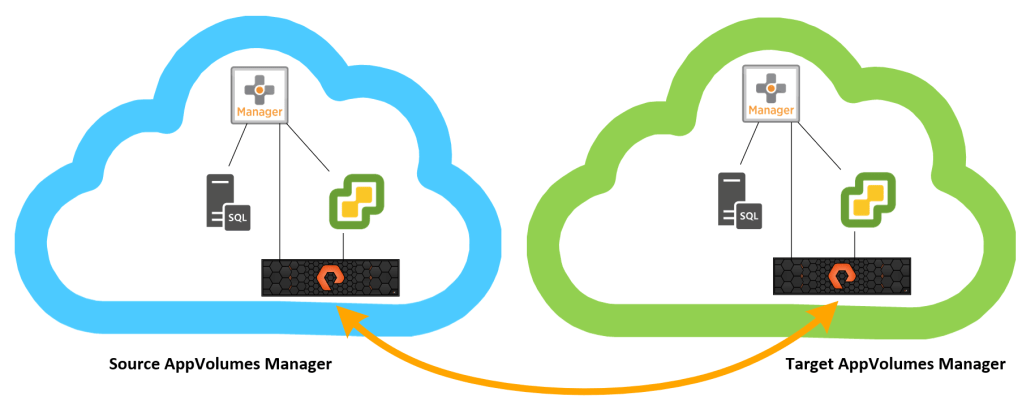
Using a Hub and Spoke replication looking something like below:

Requirements: For this script to work you must have a Pure storage setup at the source and target site. And must have Async Replication setup, and replicating a “Replication” LUN from one site to the other via scheduled snapshots. Looking something similar to:
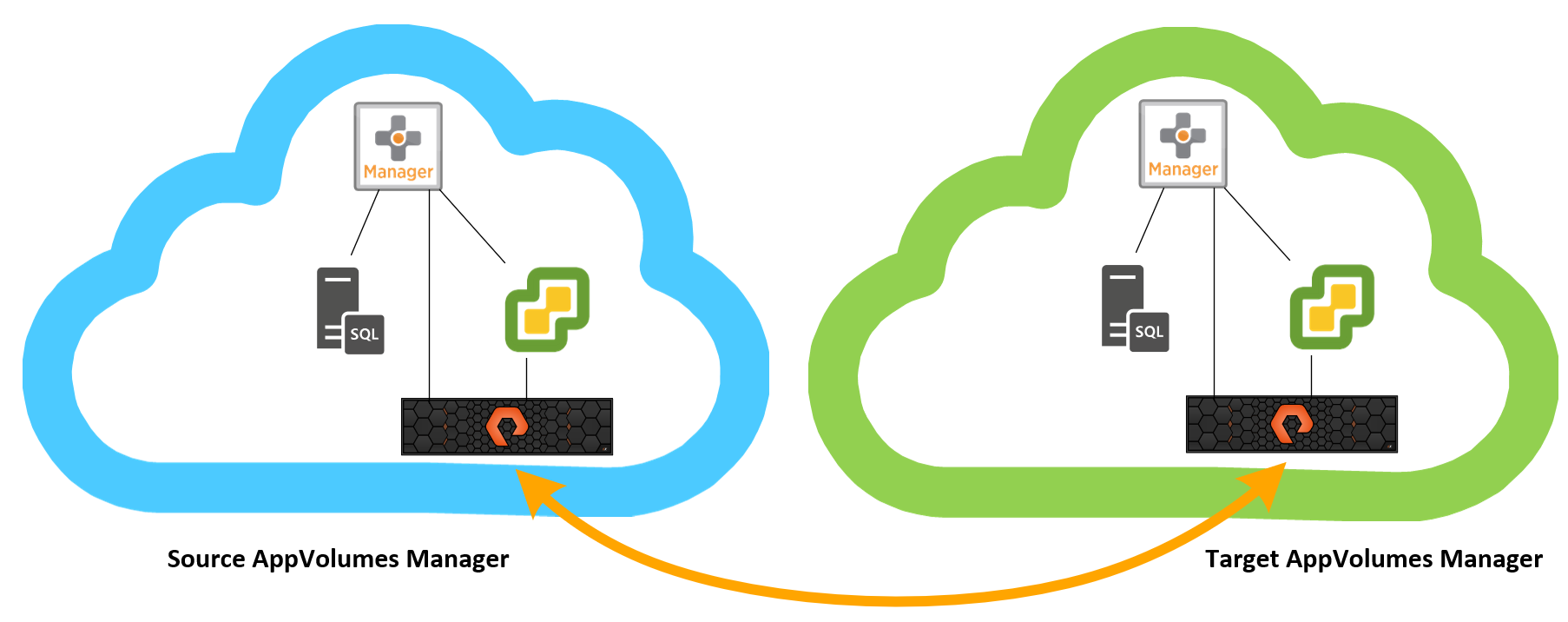
So, did you ever want to replicate AppVolumes 4.x Applications, Packages, Assignments, and lifecycle status from one site to another with help of Pure storage?
Solution: I have created a script that will run through the processes below. Allowing you to start to build your Hub and Spoke configuration. By adding a few ForEach loops you can enable this to replicate from one source site to many! Allowing you to only have to create changes in the source site.
Process:
- Connect to Target vCenter
- Connect to target Pure storage array
- Copy Replicated Snapshot to Replication LUN
- Scan Storage
- Mount Replication LUN
- Resignature LUN
- Scan Storage
- Disconnect from vCenter
- Connect to Source AppVolumes Server via API
- Connect to Target AppVolumes Server via API
- Force Rescan of AppVolumes Storage LUNs to discover Replication LUN on Target AppVolumes Server.
- Mark Replication LUN as UnMountable on Target AppVolumes Server.
- Find Storage Group for Replication LUN on Target AppVolumes Server.
- Force Rescan of Storage Group on Target AppVolumes Server.
- Force Replication of Storage Group on Target AppVolumes Server.
- Force Import of Packages on Target AppVolumes Server.
- Collect Source and Target Assignements
- Collect Source and Target Packages
- Collect Source and Target Products
- Collect Source and Target Lifecycle Status
- Unassign all Target Assignments not set in Source
- Assign Source Assignments to Target, including Lifecycle status.
- Remove the replication LUN from Target vCenter
- Disconnect from vCenter
This script is located on my GitHub Repo:
https://github.com/childebrandt42/AppVolumesReplication
I have been using this in a 2.x fashion for a few years now, and now have updated and made some advances to publish this 4.x replication script. The core of the script is the same as the 2.x process, it’s just a change in API calls for AppVolumes.


 childebrandt42